

Download Firefox Portable – free, secure, fast‑running browser for Windows & Mac
Overview
Firefox Portable delivers the full power of Mozilla’s flagship web browser in a compact, self‑contained package that you can run from a USB flash drive, external SSD, or any folder on a shared computer. Designed for people who are constantly on the move, it stores every setting, bookmark, password, and extension inside its own directory, leaving no trace on the host machine. Whether you’re a student hopping between library computers, a consultant using client workstations, or simply someone who wants a reliable backup browser for emergencies, Firefox Portable offers a seamless browsing experience without the need for installation or admin rights. The portable edition mirrors the look and feel of the standard Firefox release, supporting the latest web standards, privacy tools, and customization options. Because it runs independently of the host operating system, you can carry your personalized browsing environment wherever you go, ensuring that your research, favorite sites, and saved passwords are always at hand—without ever compromising the security or cleanliness of the computers you borrow.
Key Features
- Full Firefox Engine: Uses the same Quantum rendering engine as the desktop version for speed and compatibility.
- Portable Data Storage: All profiles, extensions, bookmarks, and settings are saved inside the portable folder.
- Zero Installation Required: Run directly from a USB stick or external drive—no admin rights needed.
- Cross‑Platform Support: Compatible with Windows 10/11, macOS 10.15+, and Linux distributions.
- Privacy‑First Tools: Built‑in Tracking Protection, DNS over HTTPS, and container tabs.
- Automatic Updates: Securely updates itself when internet access is available, keeping you protected.
- Extension Compatibility: Supports the same add‑ons as the regular Firefox browser.
- Lightweight Footprint: Typically under 200 MB, leaving ample space on small USB drives.
Installation, Usage & Compatibility
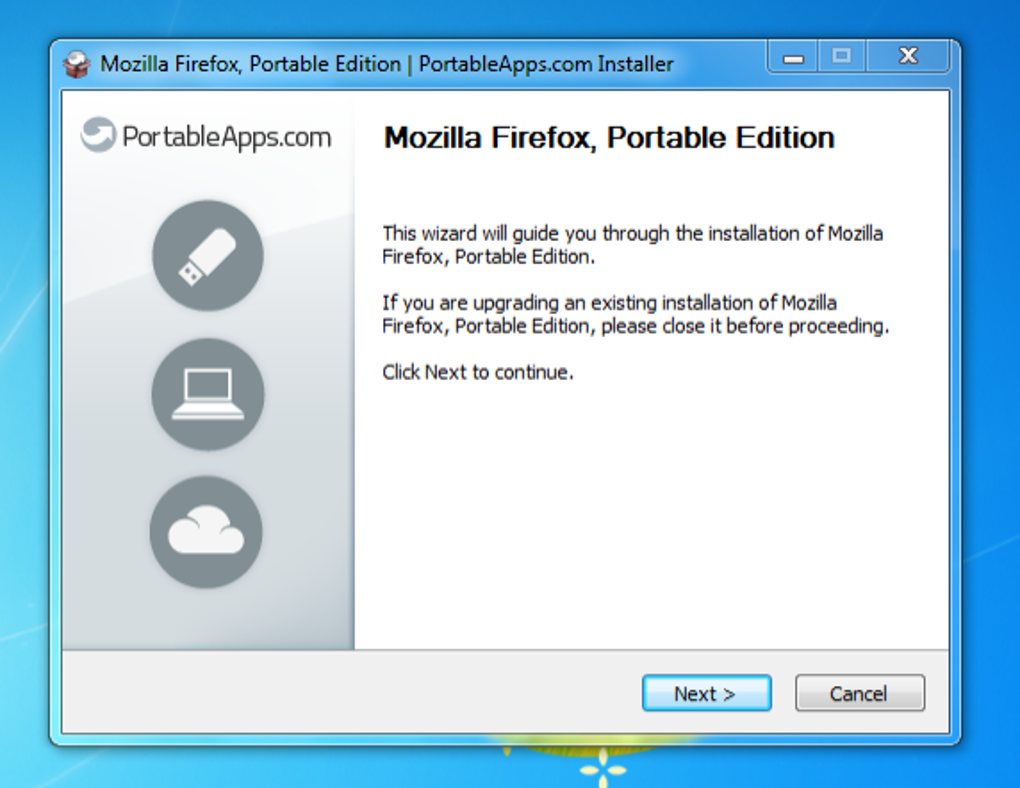
Getting Firefox Portable up and running is intentionally straightforward. First, download the ZIP archive from the official PortableApps.com site. Once the download completes, extract the contents to your preferred location—most users choose a USB flash drive, but any folder on a Windows, macOS, or Linux computer works. The extraction creates a folder named FirefoxPortable that contains the executable FirefoxPortable.exe (or FirefoxPortable.app on macOS). Double‑click the executable to launch the browser; the first run will generate a portable profile folder where all user data is stored.
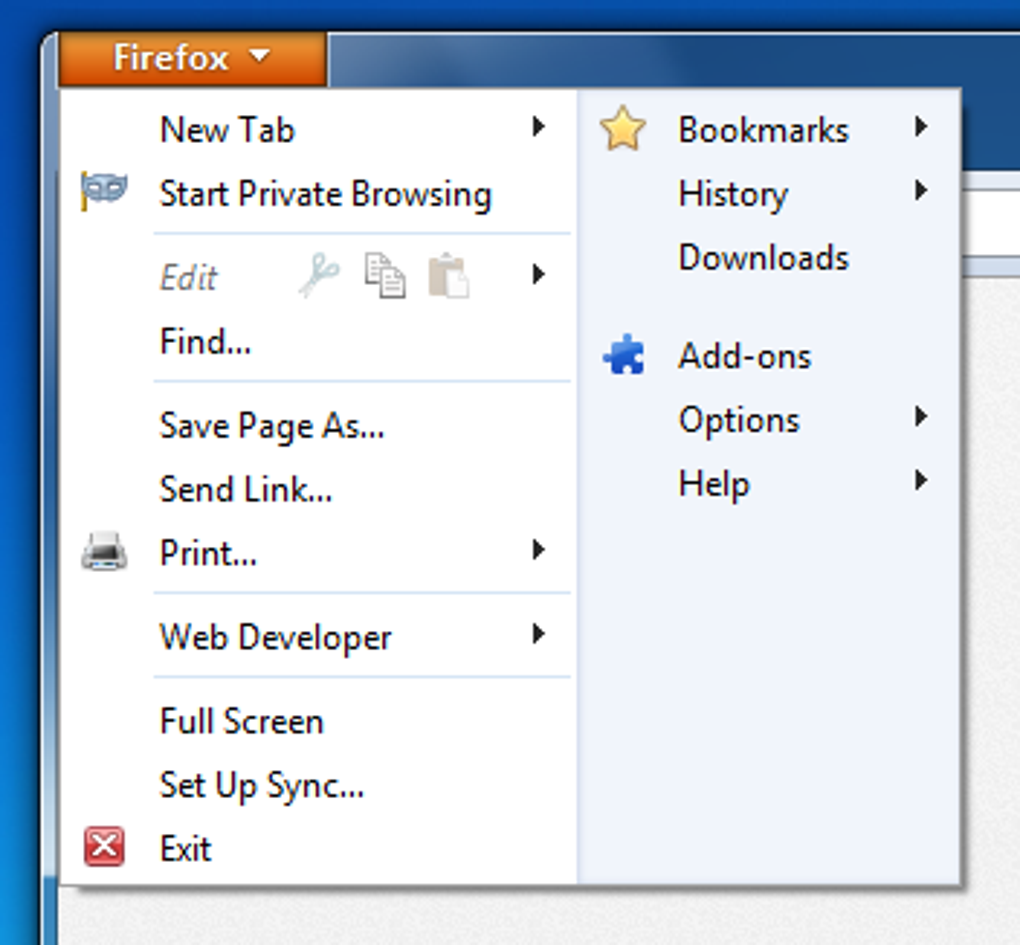
Using the browser: After launch, Firefox Portable behaves exactly like the regular Firefox. You can import bookmarks, install extensions, configure privacy settings, and sign into your Firefox Account to sync passwords and preferences—though syncing will store data in the cloud, not on the host PC. When you’re finished, simply close the window. Because all data lives inside the portable directory, you can safely eject the drive without leaving residual files or registry entries on the host system.
Compatibility notes: The portable version is built for 64‑bit Windows (Windows 7 and later) and macOS (Catalina and newer). Linux users can run the portable build via Wine or use the native Linux portable package. No additional runtime libraries are required, making it ideal for computers with restricted software policies. For best performance, ensure the host computer meets the minimum system requirements of the underlying Firefox engine: at least 2 GB RAM and a modern CPU.
Pros & Cons
Pros
- Complete browsing experience without installation.
- All personal data stays on the USB drive, preserving privacy.
- Supports the full range of Firefox extensions.
- Regular automatic updates keep security current.
- Lightweight and runs smoothly on older hardware.
- Works on Windows, macOS, and Linux via compatible builds.
Cons
- Performance can be limited by slower USB 2.0 drives.
- Some enterprise policies may block portable executables.
- Syncing with a Firefox Account still stores data in the cloud.
- Occasional need to manually update extensions after a major Firefox release.
Frequently Asked Questions
Is Firefox Portable completely free?
Yes, Firefox Portable is free to download and use. It is distributed under the same open‑source license as the standard Firefox browser.
Can I sync my bookmarks with my Firefox Account?
Absolutely. Signing into your Firefox Account within the portable version will sync bookmarks, passwords, and open tabs to the cloud, while the local copy remains on your USB drive.
Will Firefox Portable leave any traces on the host computer?
No. All configuration files, cache, and cookies are stored inside the portable folder, ensuring the host system stays clean after you close the browser.
Do I need admin rights to run Firefox Portable?
No. Because it does not write to system directories or the Windows registry, you can launch it from a standard user account without elevated permissions.
Is the portable version as secure as the regular Firefox?
Yes. Firefox Portable receives the same security patches and updates as the desktop version, and it includes built‑in tracking protection and DNS‑over‑HTTPS.
Conclusion – Why You Should Download Firefox Portable Today
Firefox Portable combines the robustness of Mozilla’s flagship browser with the flexibility of a truly portable app. It’s an ideal solution for anyone who needs a reliable, secure, and fully featured browser that can be carried on a USB stick and used on any public or shared computer without leaving a digital footprint. The zero‑installation approach, comprehensive feature set, and cross‑platform compatibility make it a standout choice for students, professionals, and privacy‑conscious users alike. If you value your browsing data, want to avoid cluttering foreign machines, and need a fast, up‑to‑date browser on the go, downloading Firefox Portable is the logical next step. Click the button below to start your free download and experience the freedom of a browser that truly belongs to you, wherever you travel.







